Adventure Booklet

Adventure Booklet · Where learning becomes an adventure
Learn English. Go on an adventure. Build your Passport.

Short story-led English lessons, a map that opens as children learn and play, and a Passport they fill with stars and stamps. Built for children, with a clear window for the grown-ups beside them.

English · Years 1–9 · Ages 5–14Real product, real screensWorks in the browser, no accountsNo ads, chat or leaderboards
Begin the journey

The film · 90 seconds · with Pip, your explorer friend

A story. A challenge. A discovery. A world to explore.

One real lesson in ninety seconds, watched together with Pip. It starts quietly; turn the sound on to hear Pip.

Real screens Edited from real app screens and the real walkthrough recording: framed, cropped and zoomed, never redrawn. Pip’s lines are captioned, so it works with the sound off. With sound on, Pip speaks in this device’s own reading voice, the same one Adventure Booklet uses to read lessons aloud. Pip is the film’s companion, not a character in the app. Download with captions burned in (MP4)
The idea

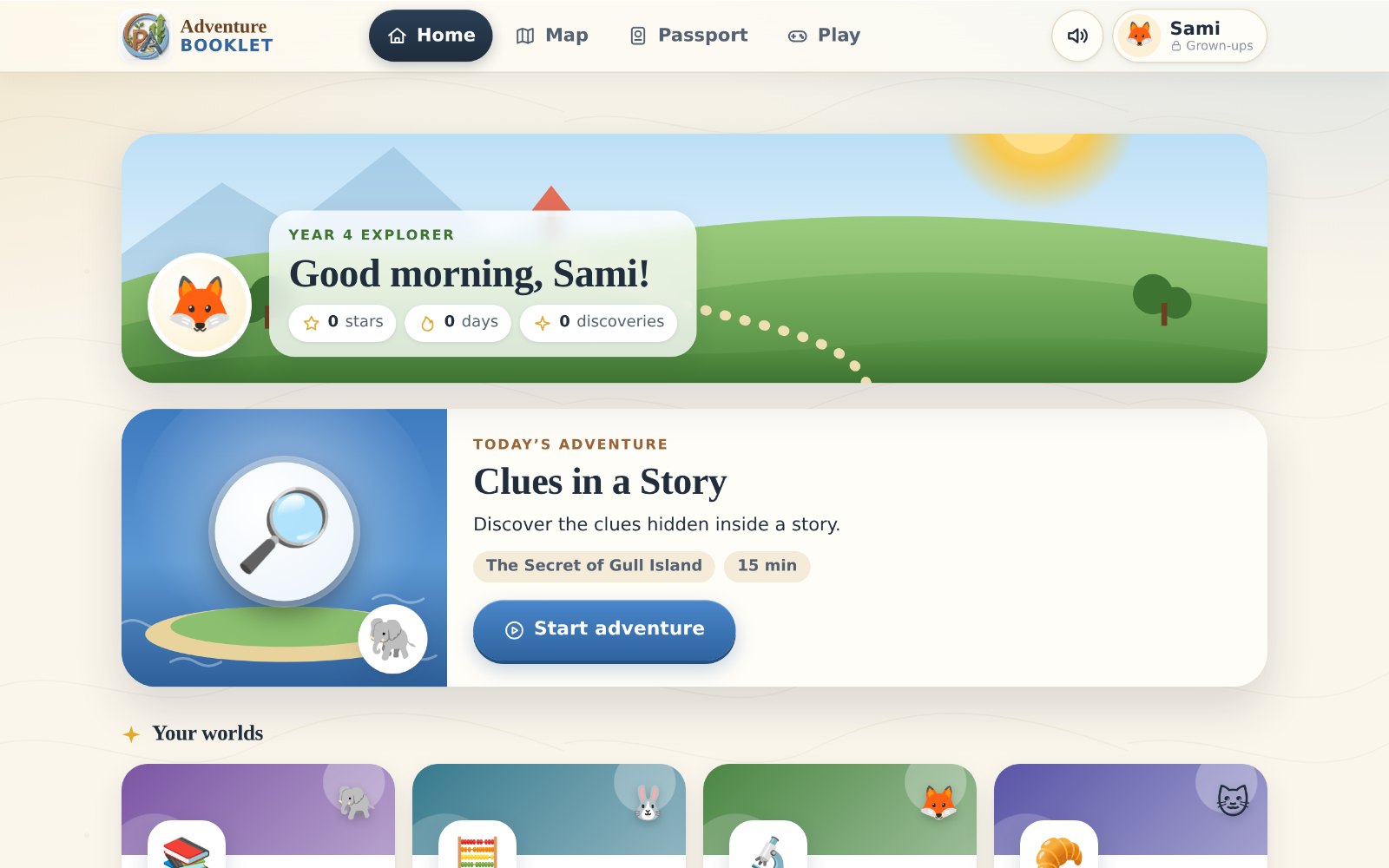
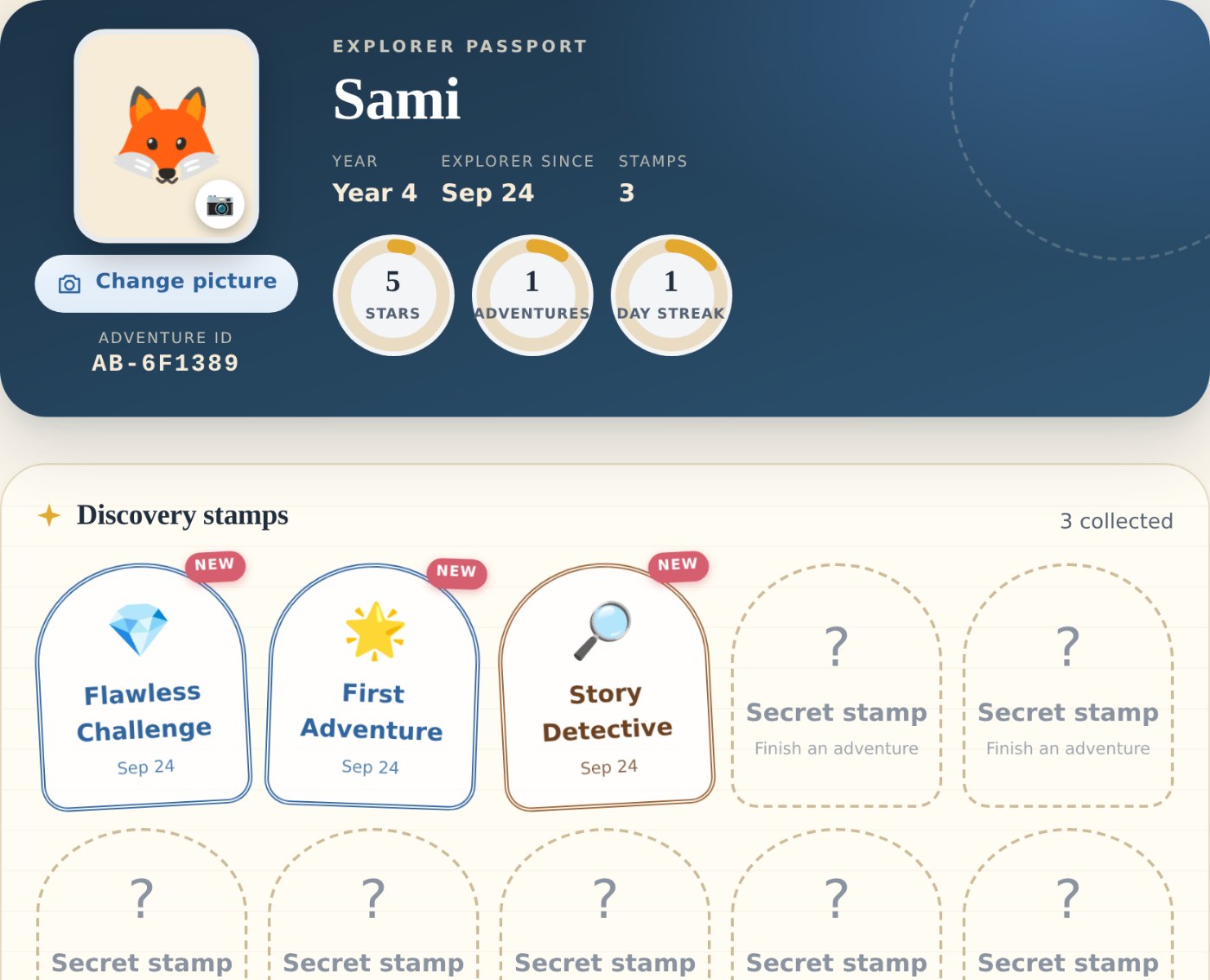
Every lesson is a chapter in a story. A wrong answer earns a hint, never a red cross. Every finished adventure leaves stars and a stamp in the child’s own Passport, and brings the next region of the map a step closer.

23English adventures written for Years 1–9
7steps in every lesson, from Welcome to Reflect
80thinking puzzles matched to the child’s year
6map regions to open by learning and playing

The journey

Five chapters. Open any of them.

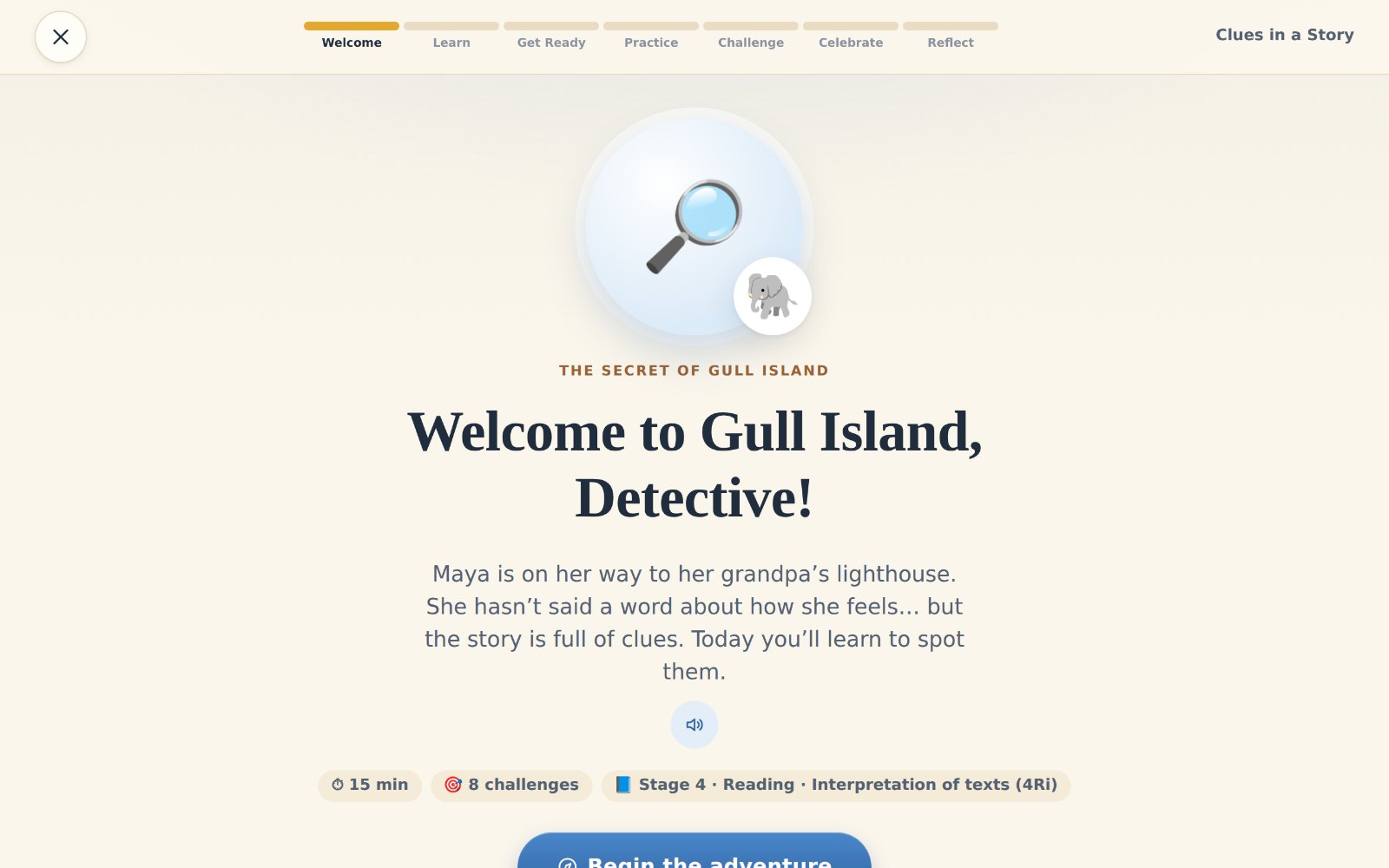
  1. Clues in a Story · Welcome
    Real screen: Welcome to Gull Island, Detective!
    01

    The Adventure

    Follow a lesson from story to discovery. Every lesson is a chapter in a story, and the child is the detective.

    Explore the Adventure
  2. Clues in a Story · Practice
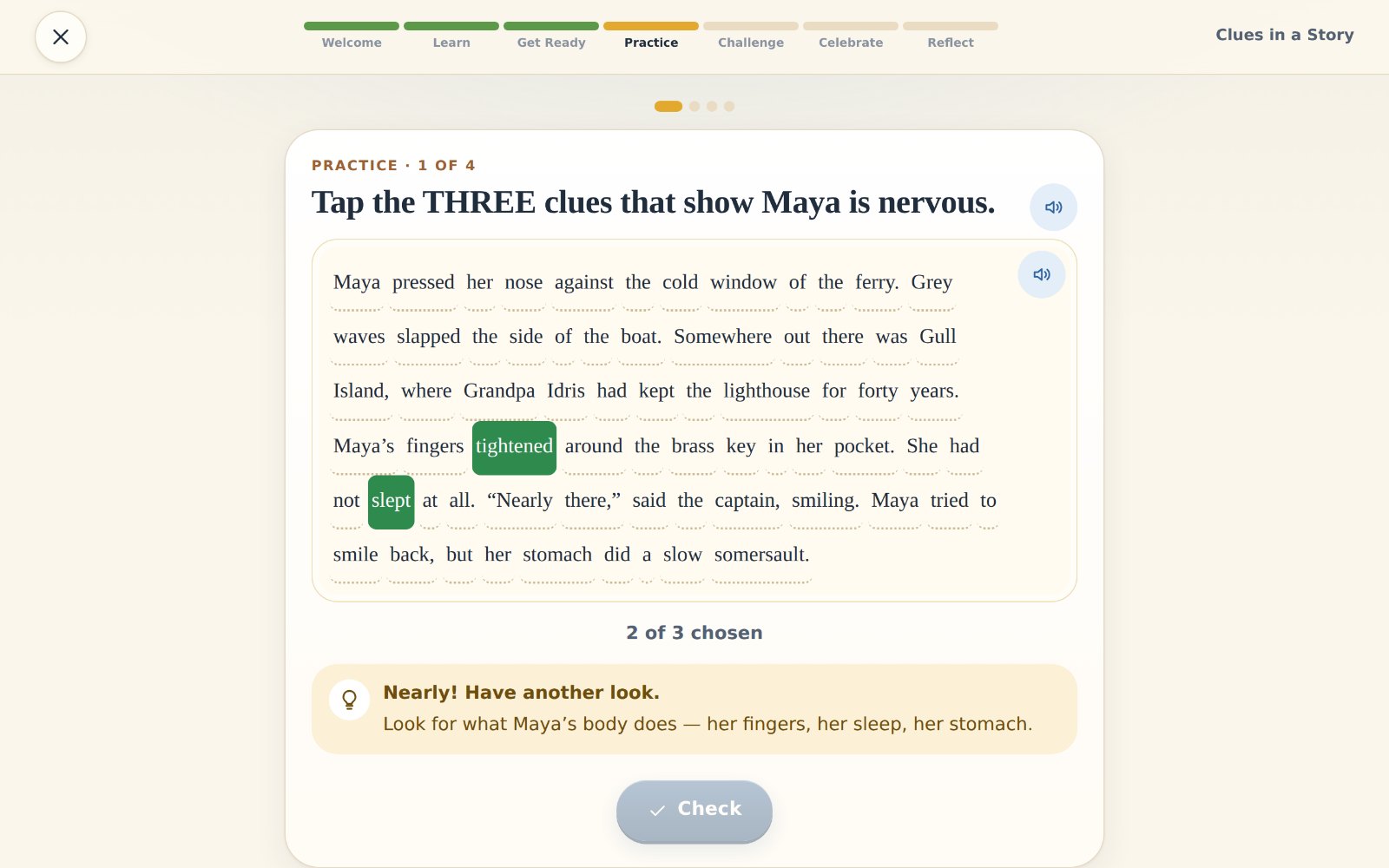
    Real screen: after a wrong try, “Nearly! Have another look.” and a hint
    02

    The Challenge

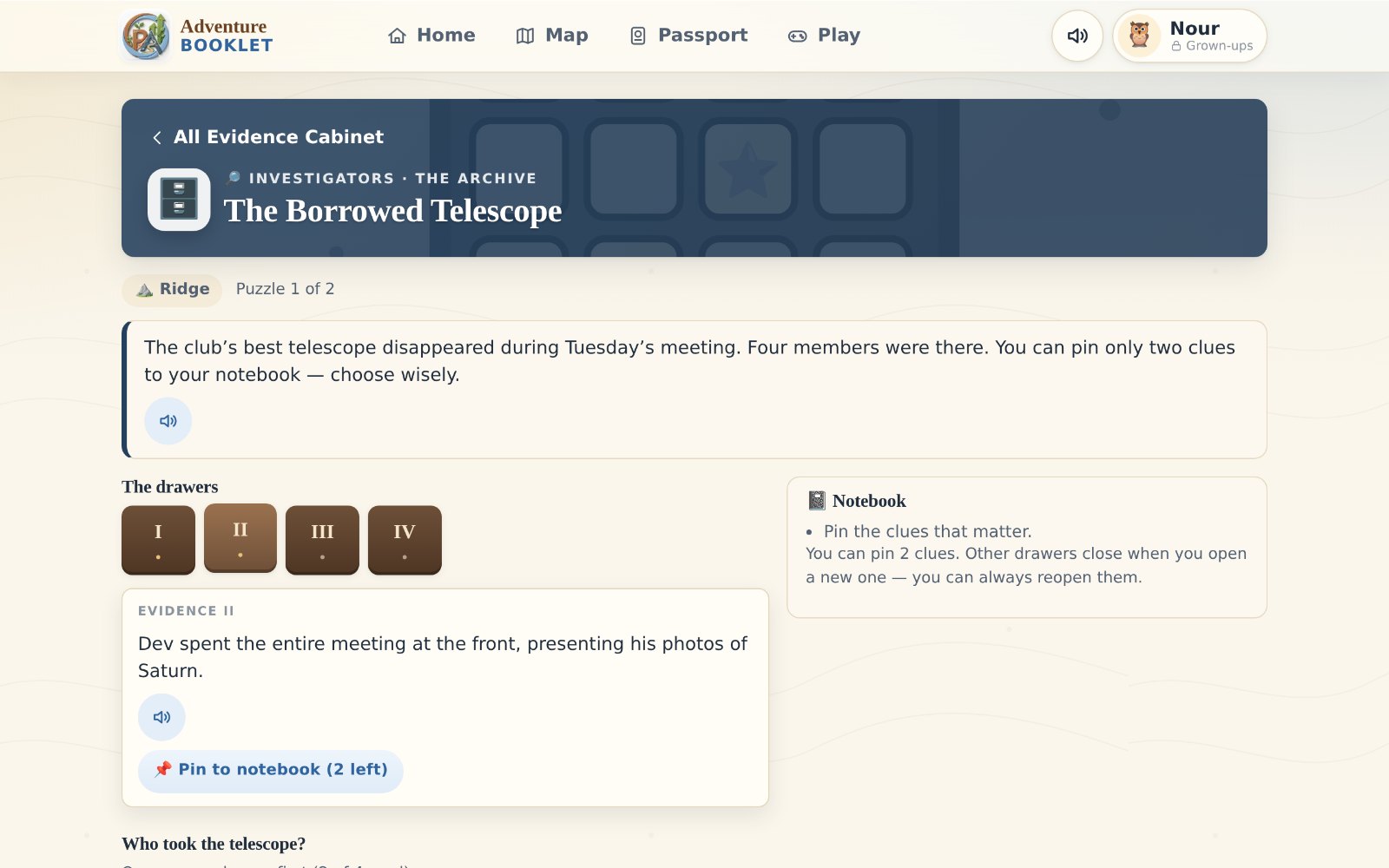
    A wrong try earns a hint, never a red cross. Then the child looks again, and every answer comes with the why.

    See the wrong try and the hint
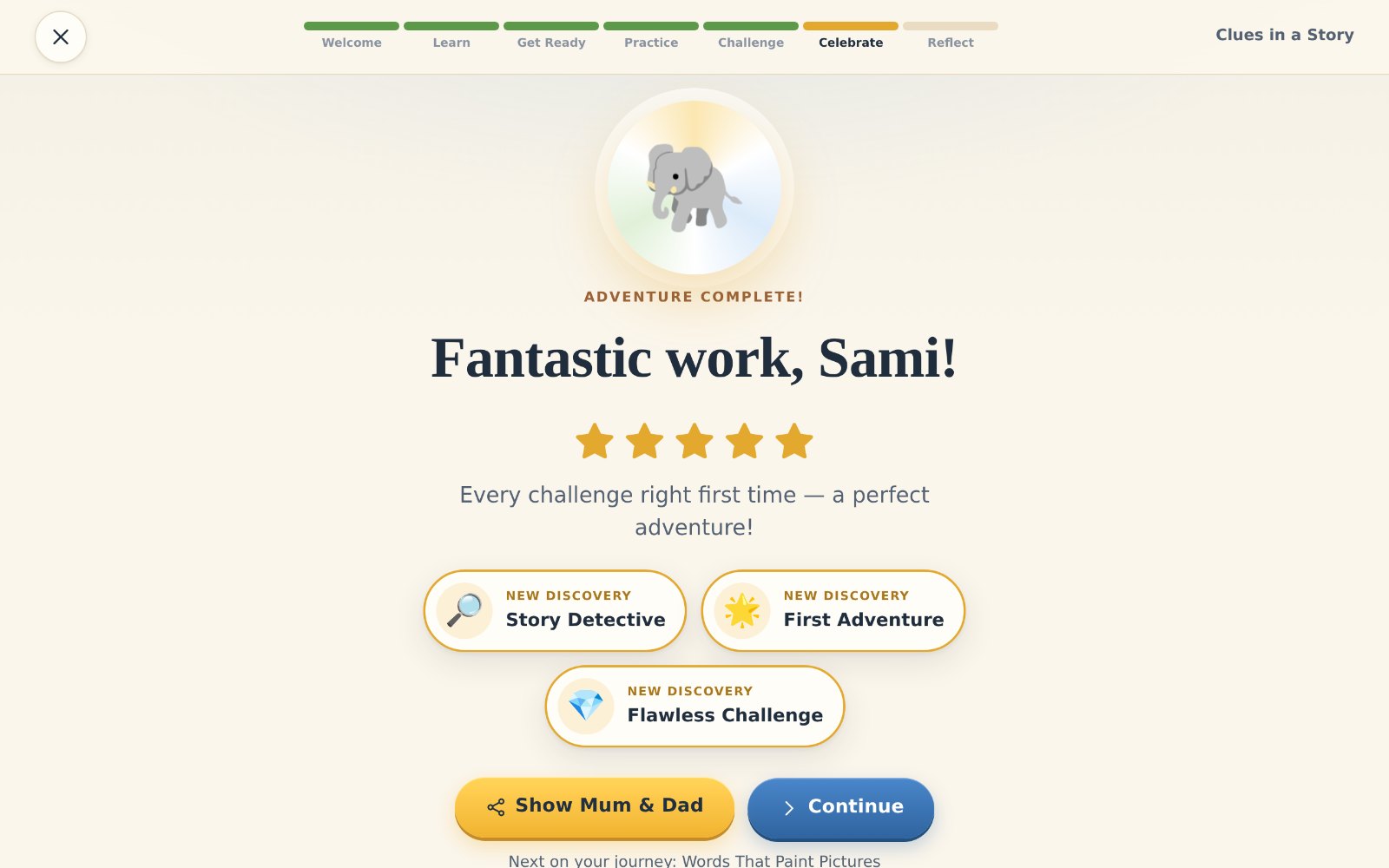
  3. Clues in a Story · Celebrate
    Real screen: Fantastic work, Sami! Five stars and new discoveries
    03

    The Discovery

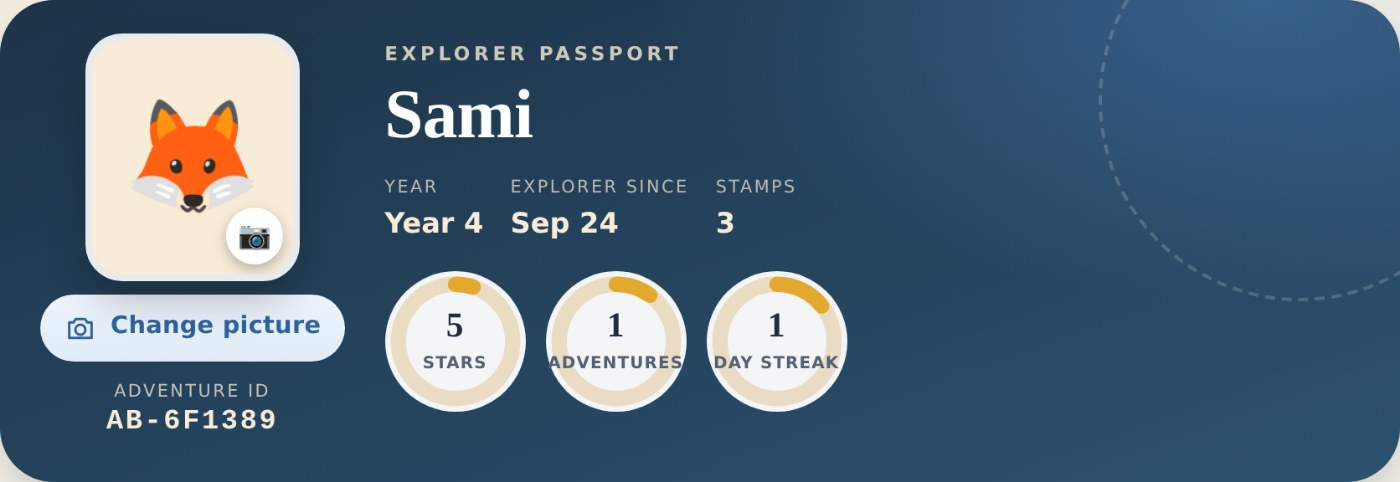
    When it clicks: stars, new discoveries and a stamp in the child’s own Passport.

    See the moment it clicks
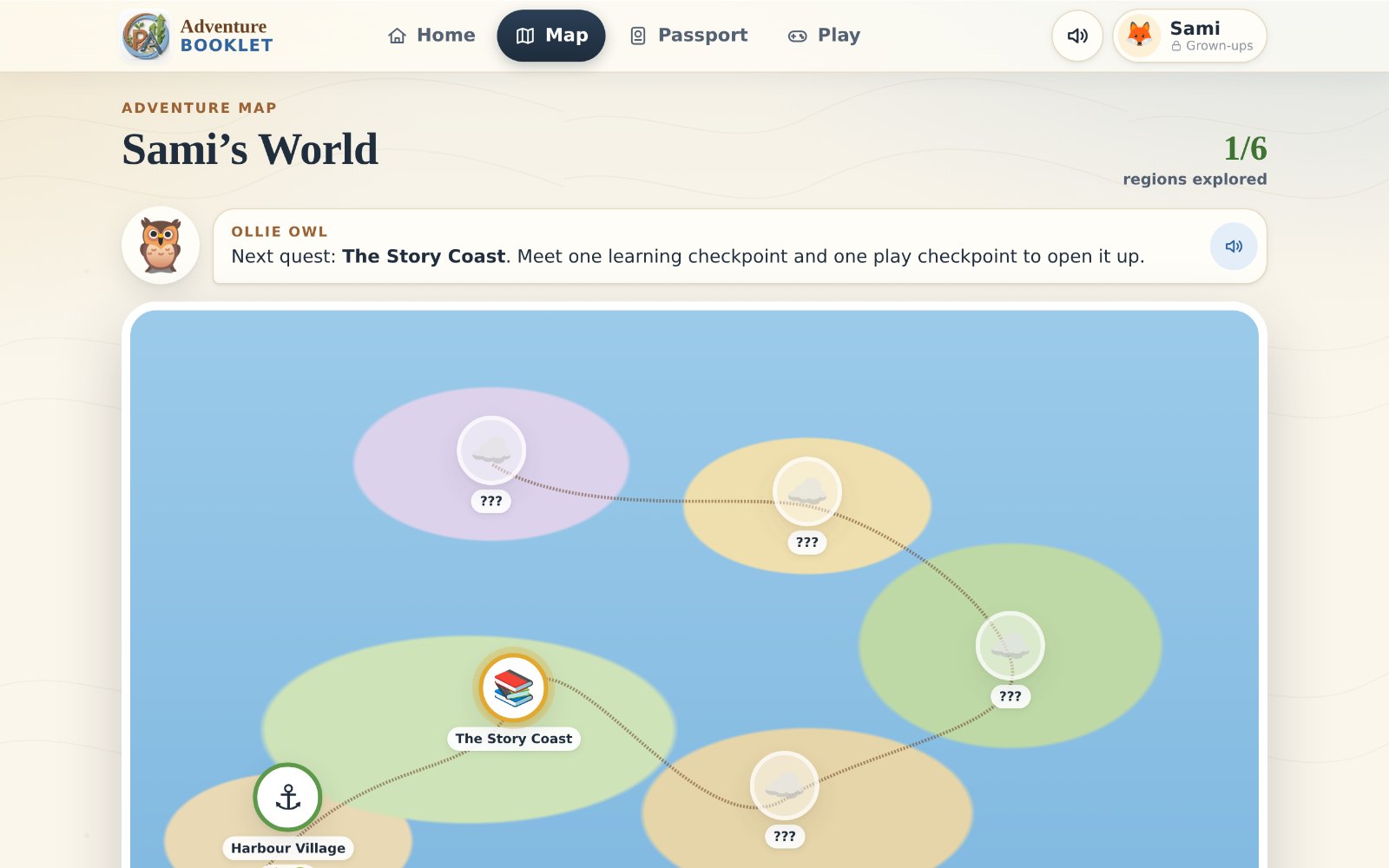
  4. Adventure Map
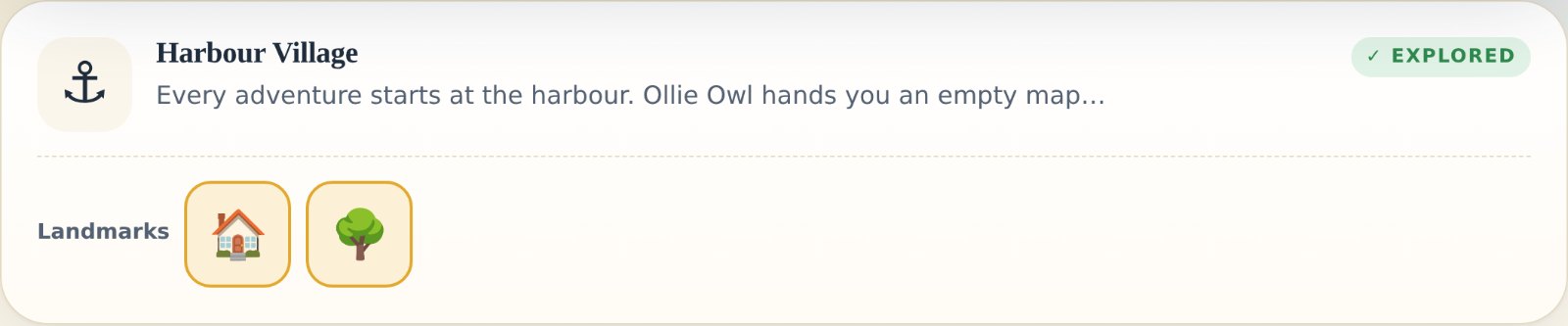
    Real screen: the Adventure Map, Sami’s World, with regions still in the clouds
    04

    The World

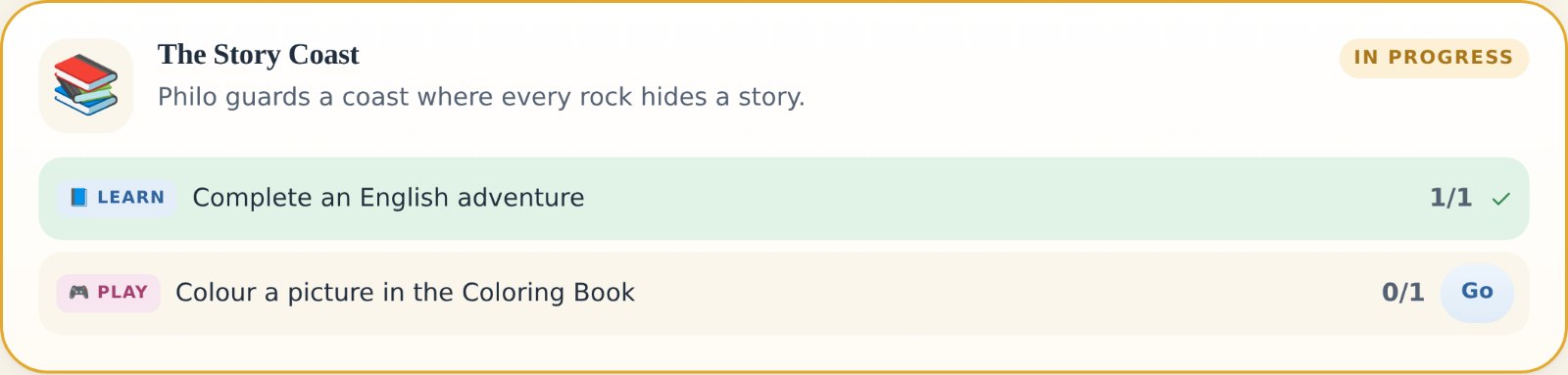
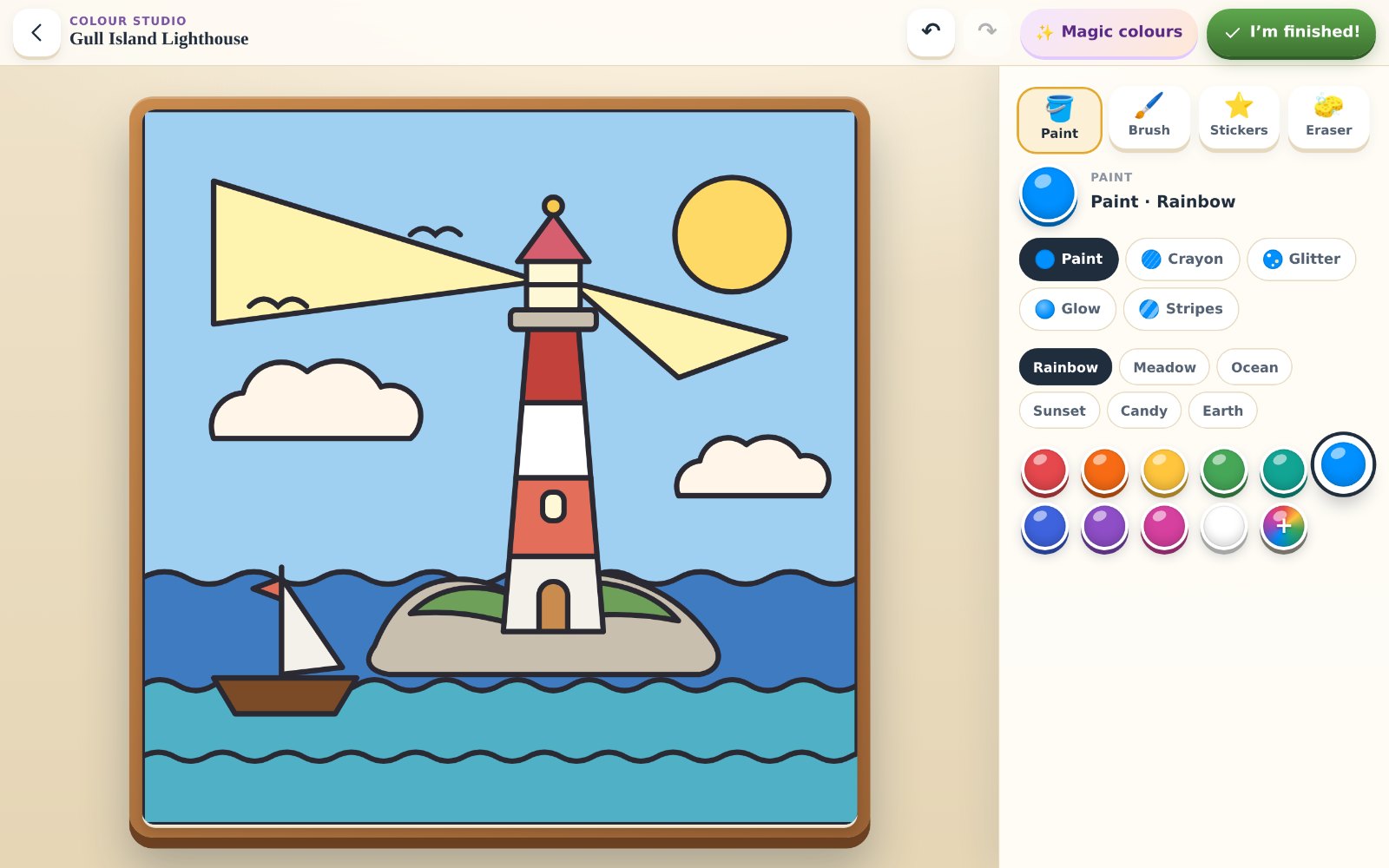
    Learning and play open the map, one region at a time. Six regions, a Passport to fill and games along the way.

    Explore the World
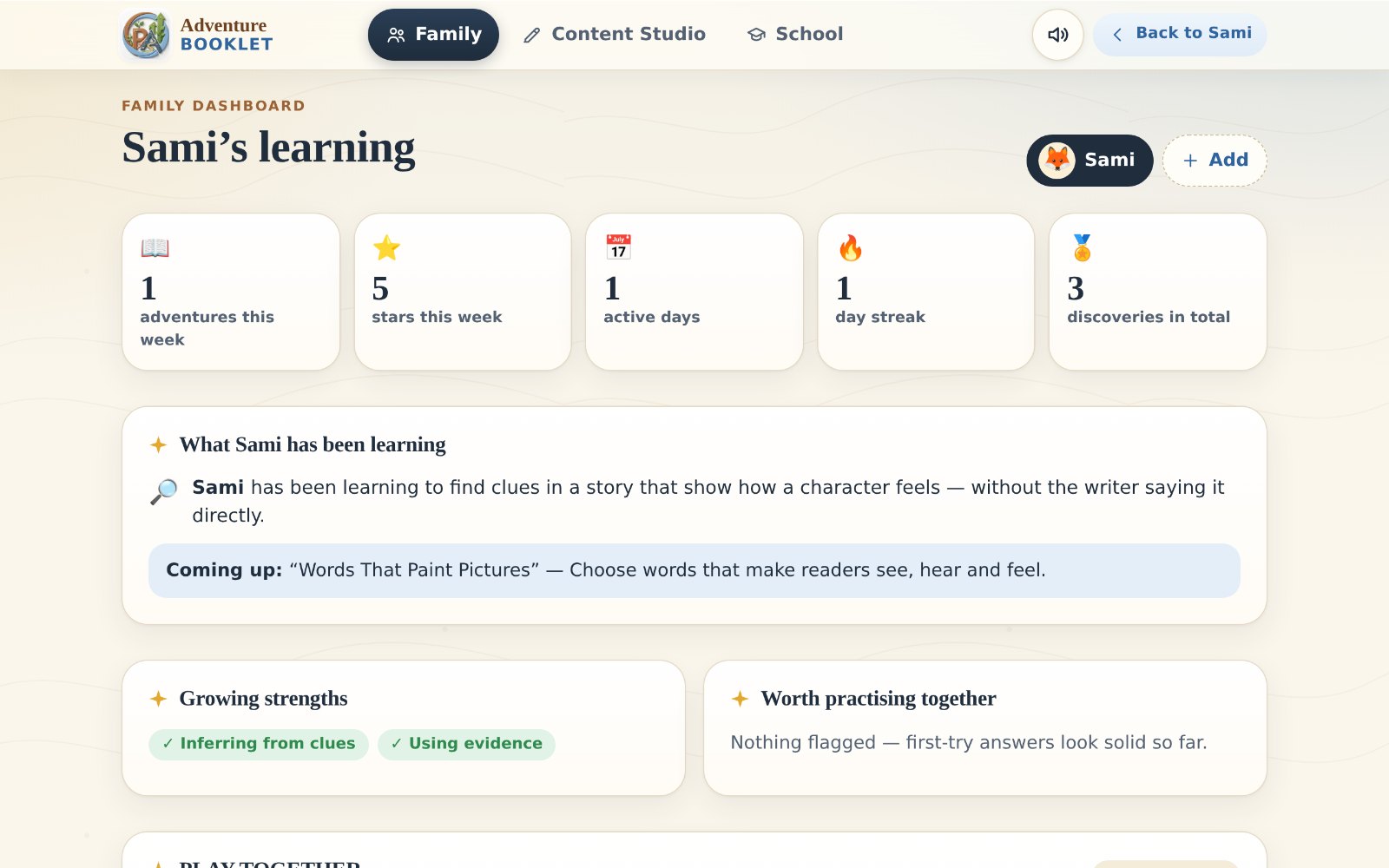
  5. Family dashboard
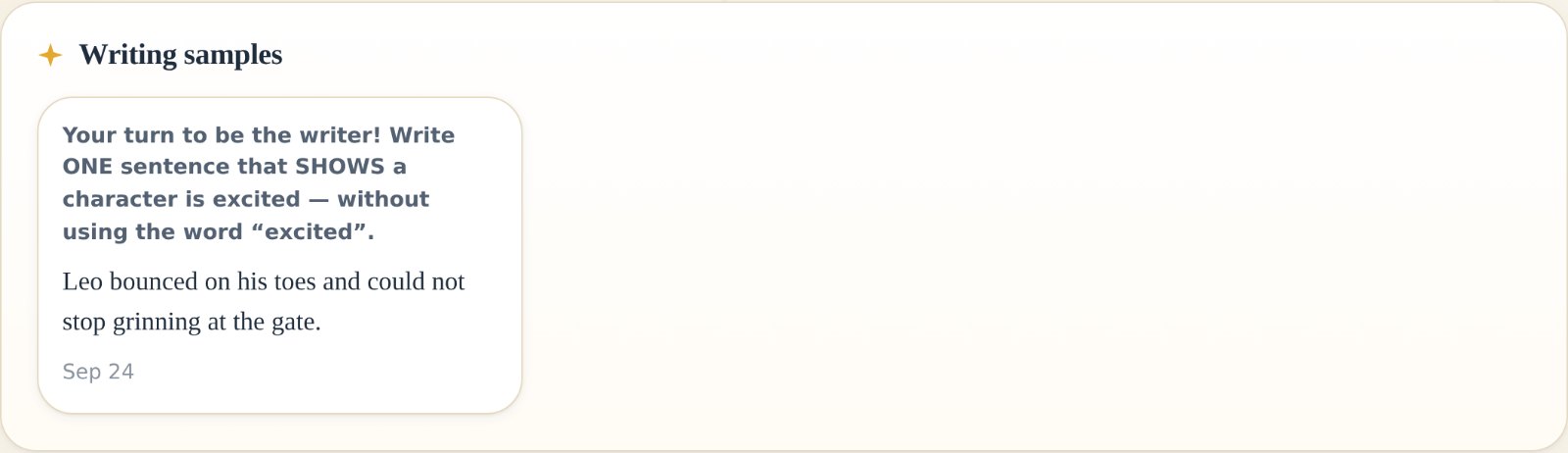
    Real screen: the Family dashboard behind a grown-up PIN
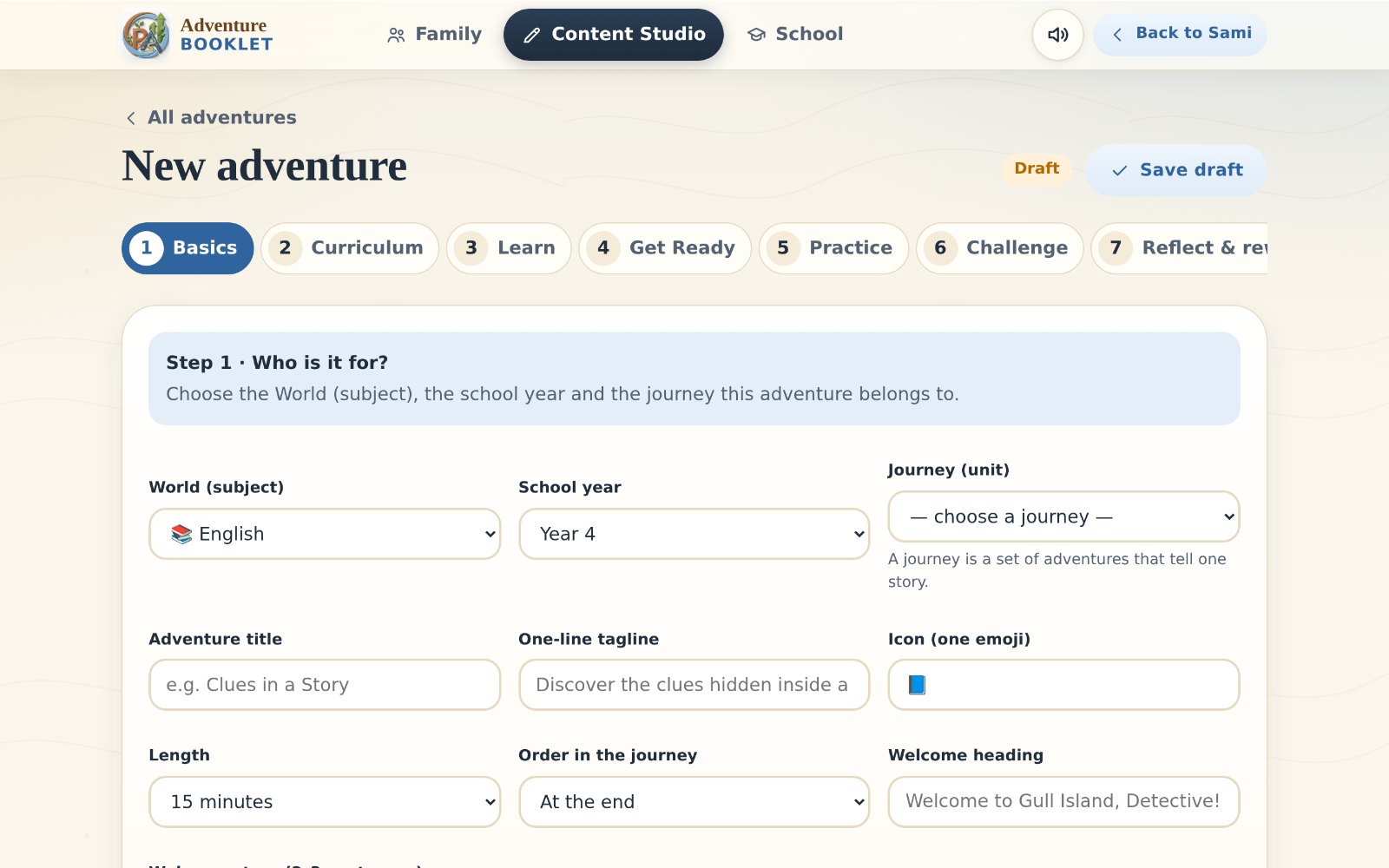
    Content Studio
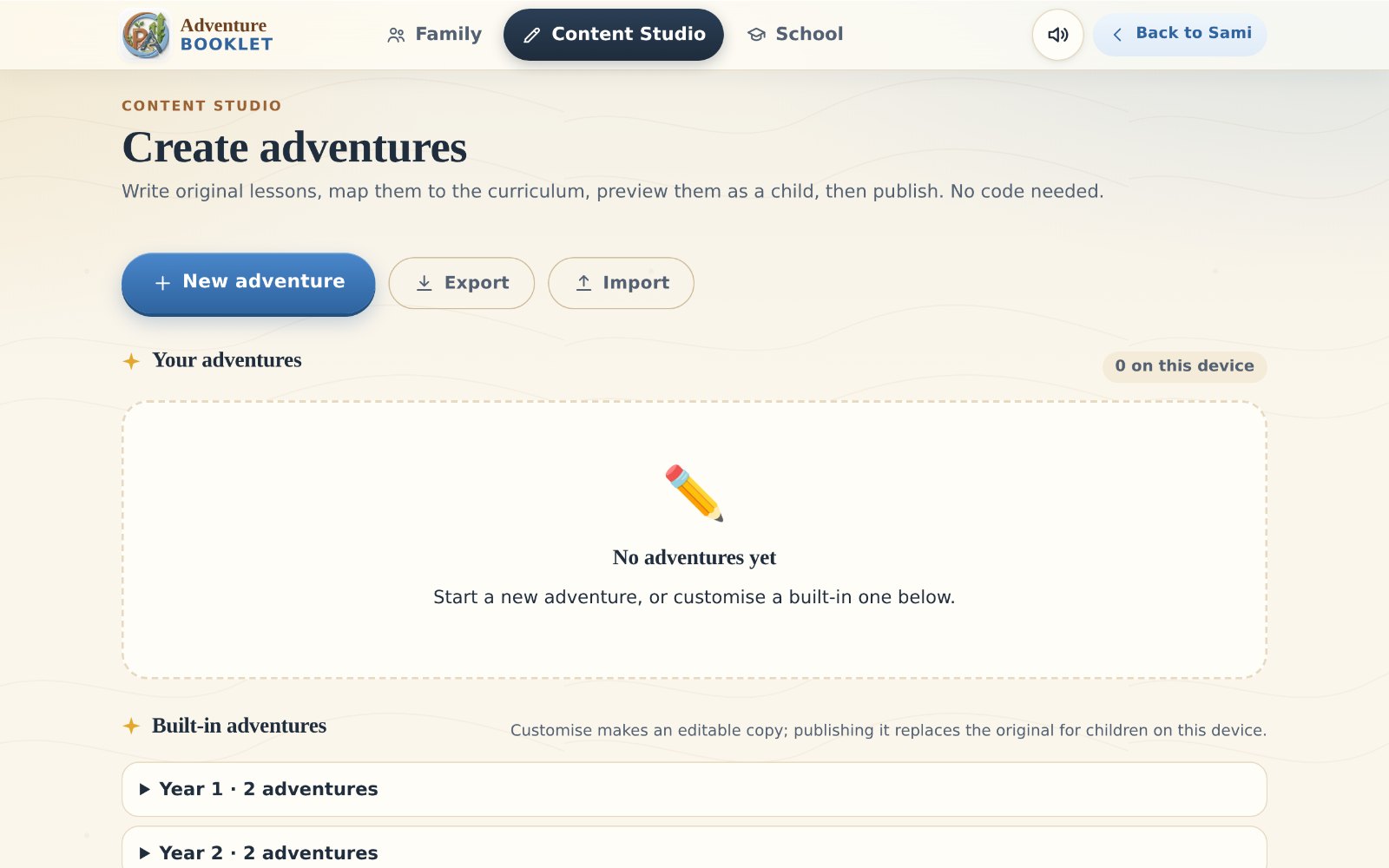
    Real screen: Content Studio, new adventure wizard
    05

    For Families & Tutors

    The adventure is for children. The tools support the grown-ups: a plain-words summary for families, and Content Studio for tutors.

    Explore for Families & Tutors
Years 1–9Adventures designed across Years 1–9.Deepest today in Year 4, with seven adventures. Two in every other year. Explore the Years

See it in detail

The 3-minute guided demo.

Every step, on the real screens, with what to look for.

Start a pilot

Four ways to take the first step.

A pilot is small, short and honest: a few weeks, a clear rhythm of 2–3 adventures a week, and simple evidence we agree on together. The best place to start is a tutor or a small group of families.

Best first stepPilot A

Individual tutor

One tutor and their pupils
You receive
The app for your pupils, a 20-minute walkthrough, a parent note, and 1–2 custom adventures on topics you choose (optional).
We look at
Adventures started vs finished, first-try stars over time, and whether it saved you preparation.
4–6 weeksEnglish · Y3–6
Best first stepPilot B

Small family group

5–15 children, at home
You receive
Access for each family, a parent guide, set-up help and a suggested rhythm of 2–3 adventures a week.
We look at
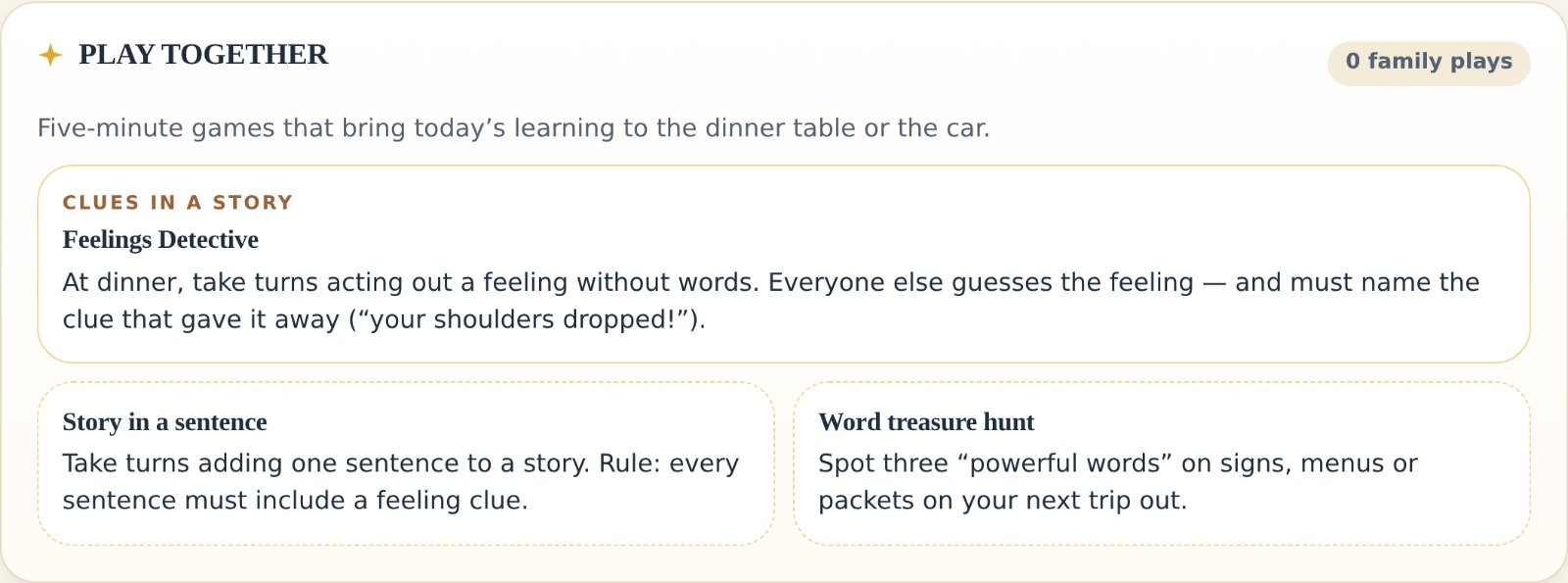
Exported progress (completion, stars, streaks), use of Play Together, and a short parent survey.
4–6 weeksYear 4 is deepest
Pilot C

Tutoring centre

Centre devices, in sessions
You receive
Device set-up, a staff briefing and custom adventures aligned to your programme. Several children can share a device.
We look at
Engagement staff observe, completion per child, preparation time saved and parent interest.
Shared-device carePIN is a light barrier
After A–CPilot D

School

One class, optional use
You receive
Use in one class for a set period, with a privacy note, parent consent wording and a signed pilot agreement.
Please know
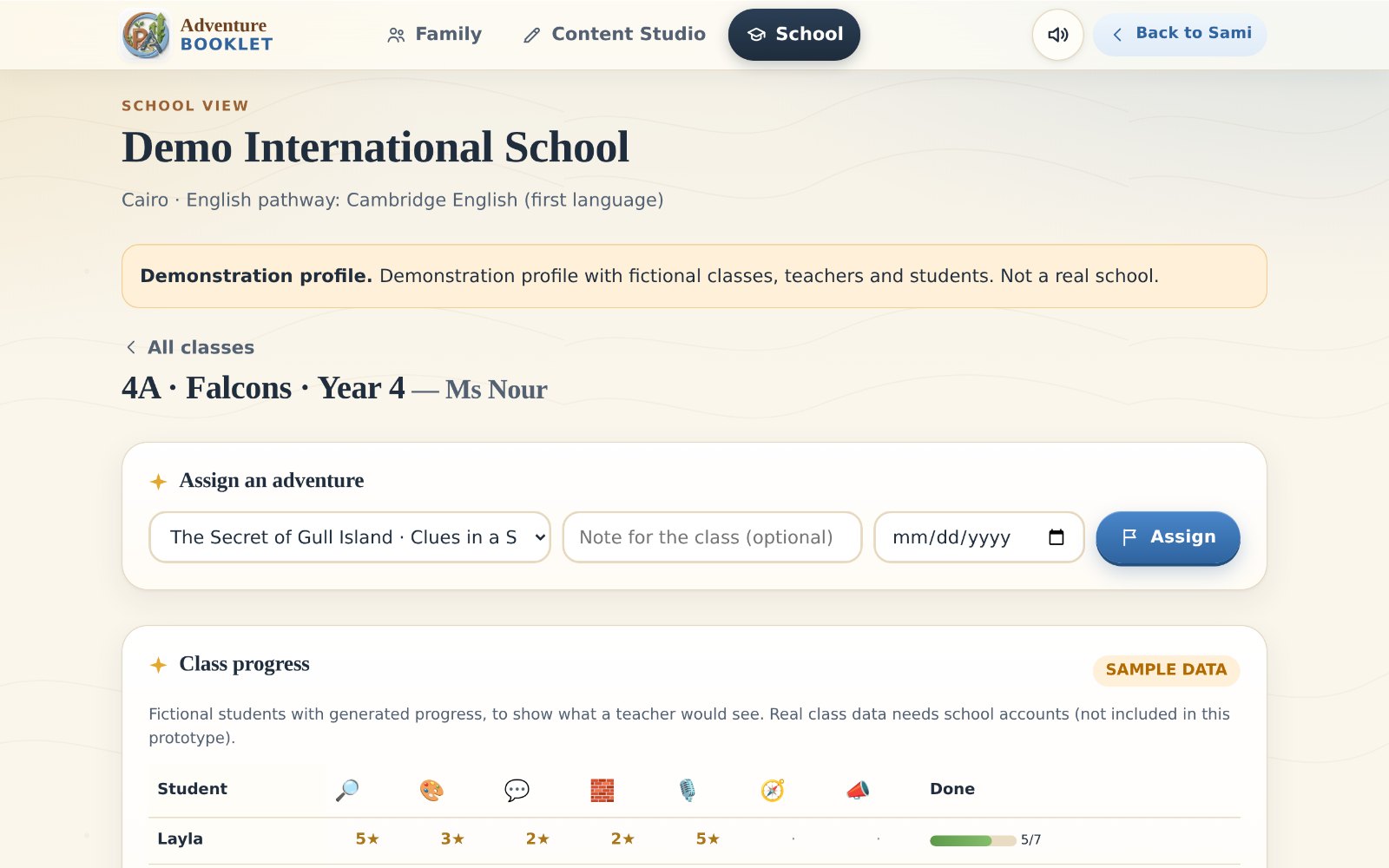
No class dashboard or accounts yet. Most schools will want those first, so we recommend starting with A–C.
Written agreementData stays on devices
Pilot pricing: to be discussed

Honest by design

What’s real today, and what isn’t yet.

We would rather you trust the map than be surprised by the territory. Every line here was checked against the working app.

Available now

Demo it and use it

  • 23 English adventures, Years 1–9, with hints, read-aloud, stars and stamps
  • Adventure Map, landmarks and the Explorer Passport
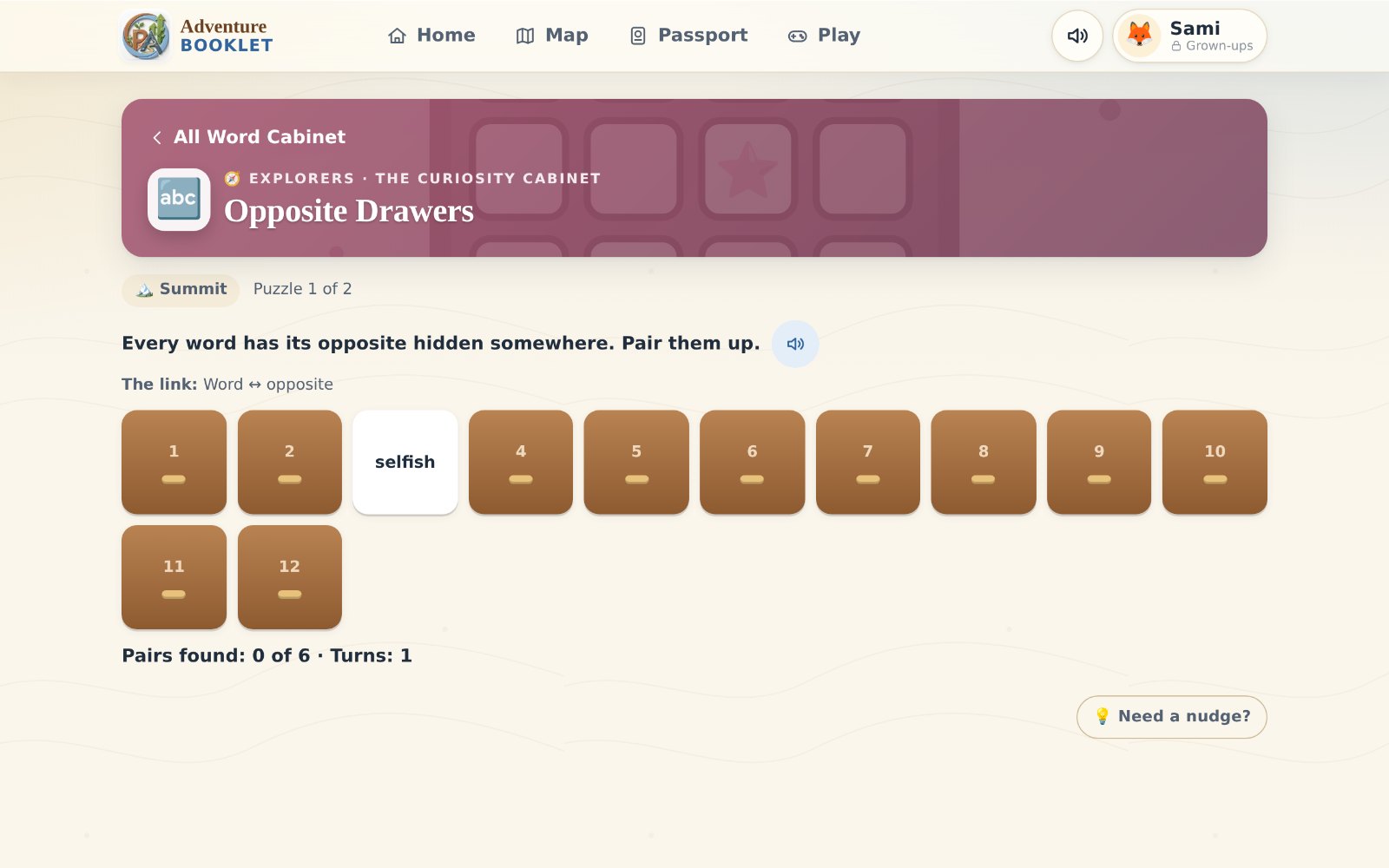
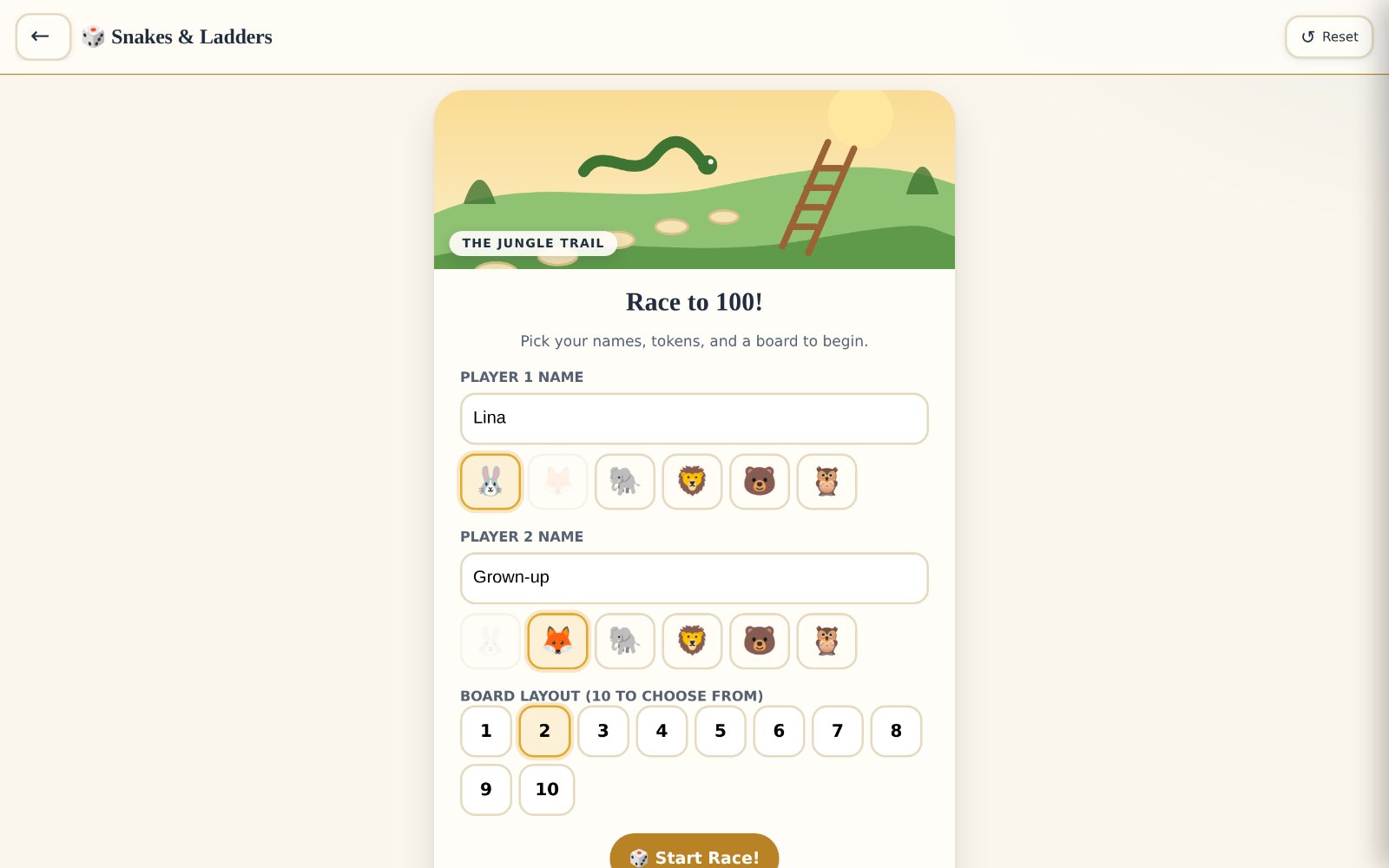
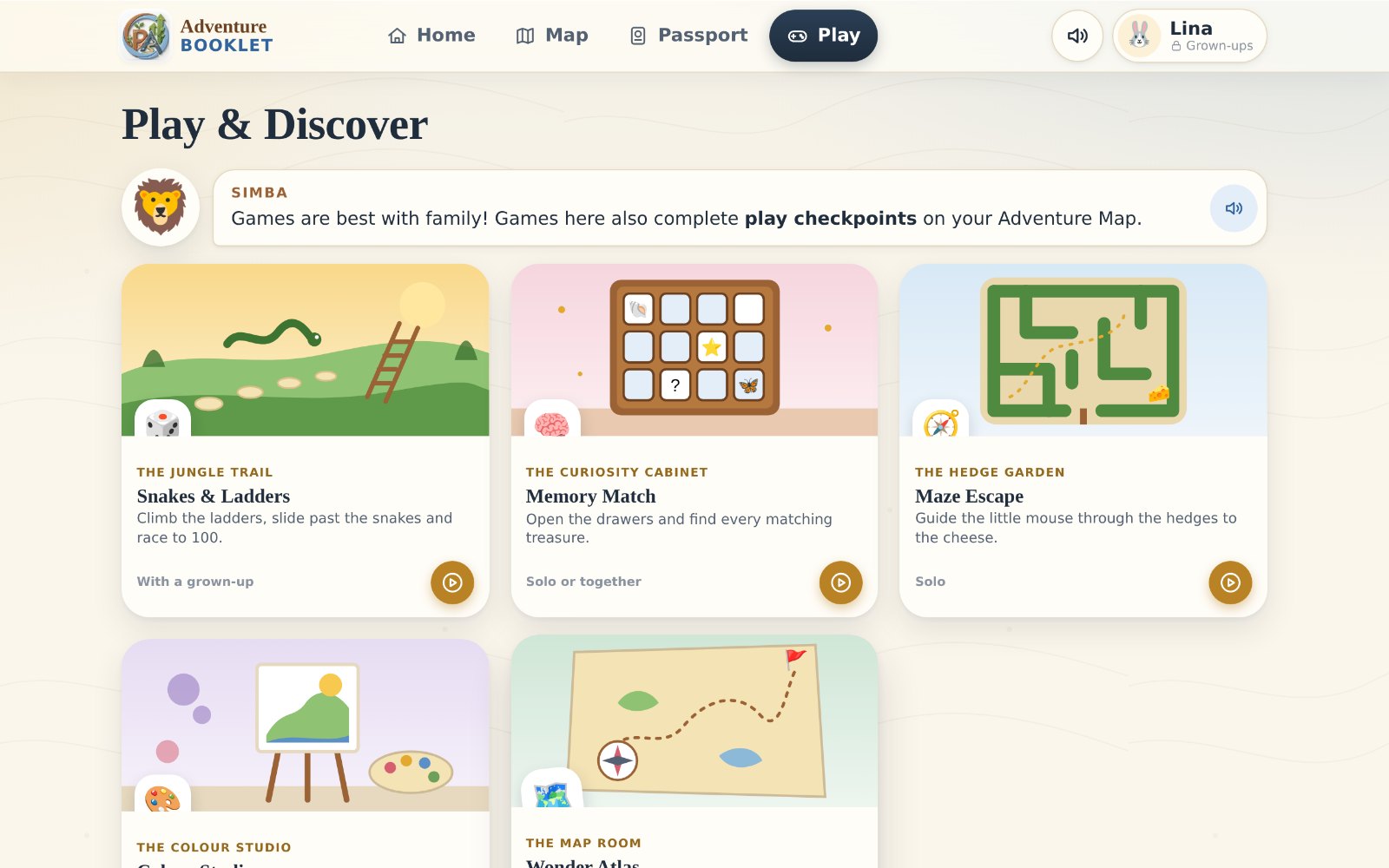
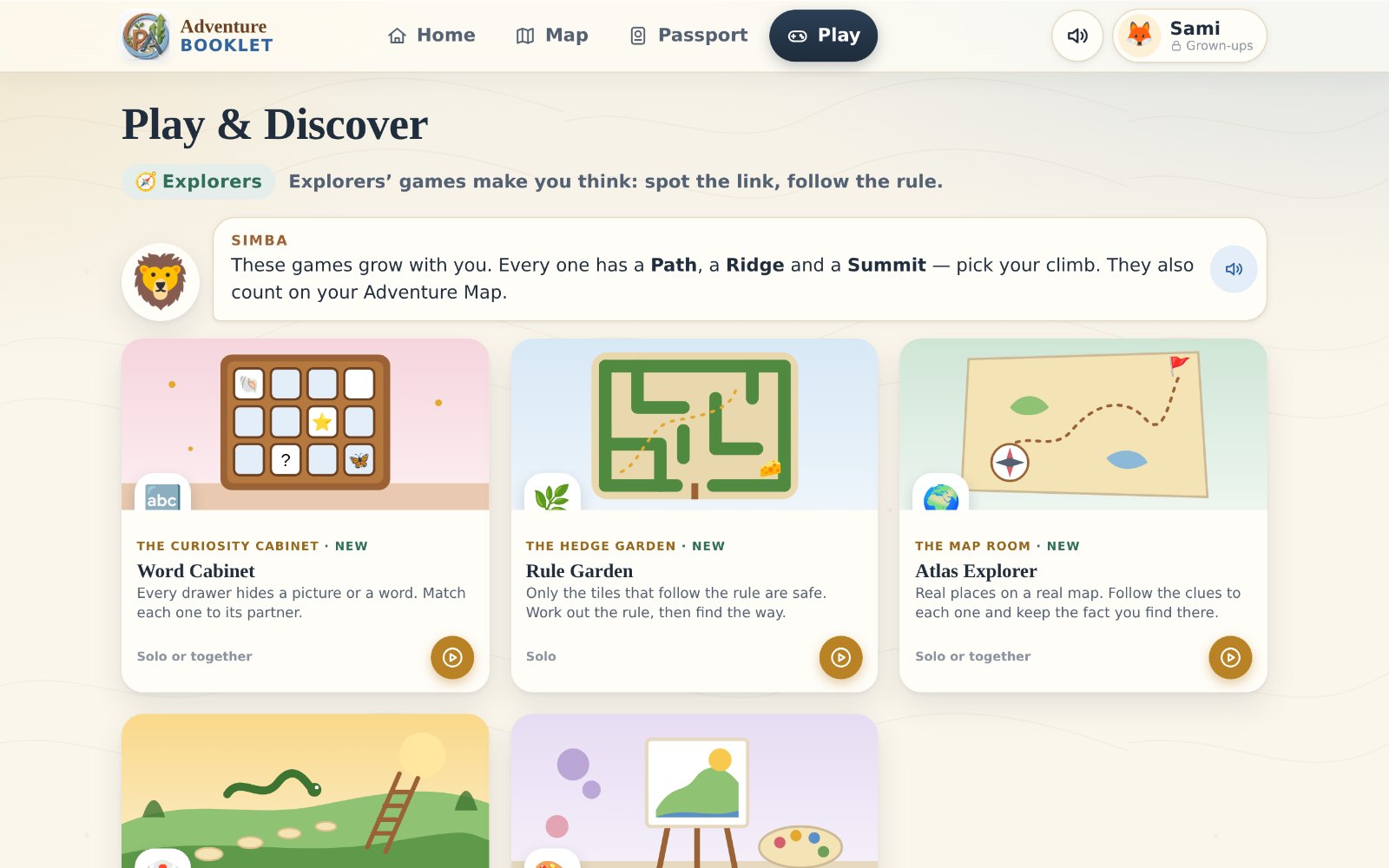
  • Games that change with the child’s year, plus classic family games
  • Family dashboard behind a PIN, with progress export
  • Content Studio: write, preview and publish without code
  • Phone, tablet and computer browsers; offline after first visit

With preparation

Peter’s time, not new code

  • Custom adventures for a pilot group
  • ESL pathway instead of first-language English
  • A private centre or school profile
  • A single file that opens offline for review
  • A hosted link, after a deployment Peter approves

Future development

Direction, no dates

  • Teacher and pupil accounts, and a live class dashboard
  • A Passport that follows the child across devices and years
  • Parent view from their own phone
  • Full Maths and Science adventures (practice quizzes today)
  • Teacher resources linked to lessons

Not promised

We won’t say these

  • Cambridge endorsement (our alignment is self-assessed)
  • Class tracking or a real-time class dashboard
  • Tested on every iPhone and tablet
  • Progress that can never be lost
  • Any user numbers, results or testimonials

The first adventure

Ready to start
the first adventure?

Let’s talk about a small pilot for your pupils or your family: a few weeks, a handful of adventures, and an honest look at what the children made of it.

Name[Peter’s name]
Phone[phone]
WhatsApp[WhatsApp]
Email[email]
Demo link[demo link — only after an approved deployment]

Placeholders. Peter fills these in before sharing. No contact details have been invented.